Timestamp Camera - Time & GPS+
Timestamp Camera - Time & GPS+ is a free timestamp camera app that adds real-time date, time, GPS location, map, and address watermarks to your photos and videos.


What information can a timestamp camera add to photos and videos?
Timestamp Camera - Time & GPS+ adds selected details while you capture a photo or video. Choose the fields you need for a work record, inspection, delivery, or outdoor photo.
- Map: embed a map in the watermark, with Standard, Satellite, and Hybrid map types. The iOS basic template also lets you adjust the map zoom.
- Short address: show a concise location label.
- Full address: show a more detailed address when the record needs it.
- Latitude and longitude: display GPS coordinates, including a decimal format.
- Date and time: customize the display format, including formats with the weekday or seconds.
- Time zone: include a time zone display, such as a GMT offset.
- Altitude: show elevation in metres.
- Location accuracy: include the location accuracy value in metres.
- Compass bearing: show the direction as an angle and direction label in the watermark.
- Temperature: include a temperature reading.
- Atmospheric pressure: include a pressure reading in hPa.
Available fields depend on the template and platform. The iOS plant-growth template also supports humidity. The inspection template supports a weather field; temperature and pressure in the basic template are separate readings, not a weather forecast.
How can I customize the watermark?
- Turn supported watermark elements on or off to keep a record compact or show more detail.
- Choose Emoji or symbols for the watermark's supported labels.
- Adjust the font, font size, and color of supported elements.
- On iOS, resize the whole watermark to suit your composition and record.
- On the iOS camera screen, tap the watermark to open template settings, or tap the address to edit the location.
- Save custom location tags and reuse frequently used addresses.
- Edit the badge text in supported work templates and choose which record fields to display.
- On iOS, add your own logo or image to supported watermarks.
Watermark templates on iOS and Android
Choose from the same six watermark templates on iOS and Android for work, inspections, everyday photos, and plant records.
- Classic Map
- Site Inspection
- Accent Check-in
- GPS Verified
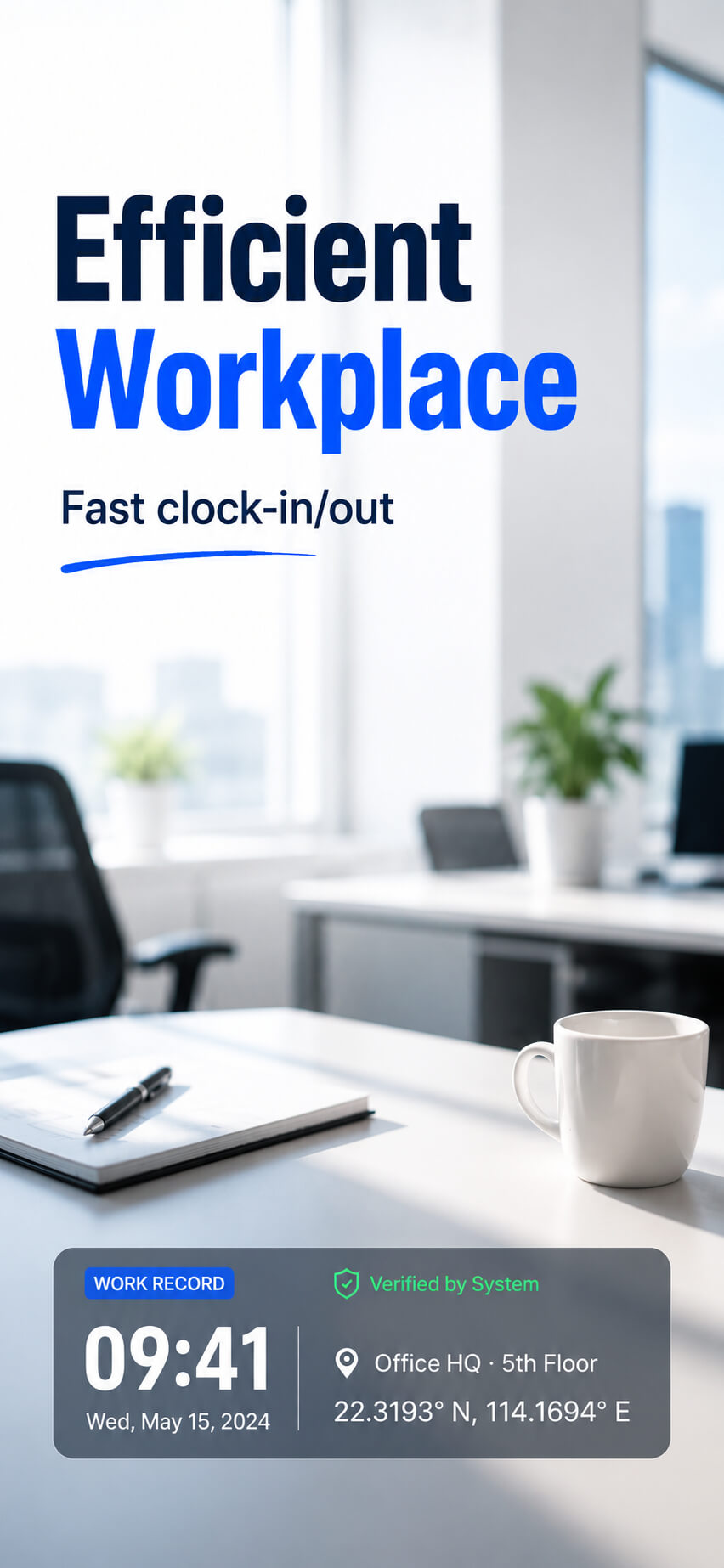
- System Verified
- Plant Growth Journal
On both platforms, browse a two-column template list with high-resolution scene previews. Classic Map shows altitude, location accuracy, compass bearing, temperature, and atmospheric pressure by default; you can turn watermark elements on or off.
On iOS, watermark spacing and position in landscape videos match the viewfinder.
On iOS, plant records can include a Day 1 growth-day count, a note, date, time, temperature, humidity, and location. Inspection records can include project and scene fields, people, notes, date and time, weather, and address, with supported text, colors, and fields customizable.
All watermark templates are free to use, with no ad to watch before switching. The app still displays ads.
Template name languages
Template names are available in English, Simplified Chinese, Indonesian, and Vietnamese on both iOS and Android.
Filipino template names are currently available on Android.
How do I create a photo report on iOS?
Photo reports turn selected images into one shareable long image for site inspections, property checks, and other multi-photo records.
- Open Report. Take at least one photo in the app; the Report button then appears next to the shutter button.
- Select your images. Choose 1–42 watermarked photos taken in the app or other images from your photo library. Existing watermarks are preserved; importing an image does not add a watermark. Images are arranged three per row, and the report image grows longer as you add more.
- Add the report details. Set your logo, company/project, scene name, reporter, date, and weather field. Customize the company/project, scene name, and divider colors. You can include a footer with the app name and a scannable QR code.
- Finish and share. Add or remove images as needed, then share the finished report as one image.
Reports are generated locally on your device, and the feature is free. Reports are not saved inside the app; each new report starts fresh. The report editor does not support dragging to reorder or cropping images. To replace an image, remove it and add another.
Camera controls and saved photos
- Capture photos and videos with a real-time watermark preview.
- Use the front or rear camera in portrait or landscape orientation.
- On iOS, switch between 4:3 and square 1:1 framing with one tap; the viewfinder and watermark align automatically.
- Use automatic flash and horizontal and vertical guide lines for framing.
- The currently confirmed camera zoom is 1×. Map zoom changes the map display, not camera zoom.
- Photos are saved locally on your device.
- On iOS, captured photos and videos are saved in an album named after the app. The in-app viewer lets you browse captured media, view details, and delete unwanted items.
Using timestamp photos for work, inspections, and plant records
Construction progress, field work, and photo clock-ins
Choose a suitable work template, show the date, time, location, and job label you need, and take photos at the start and end of a visit or workday. The timestamps give you a record to compare when calculating hours yourself; the app does not automatically calculate attendance or working hours.
Property inspections, maintenance visits, and deliveries
Photograph each location or completed task with the address, GPS coordinates, time, and relevant inspection notes. On iOS, combine selected photos into a report image with a project name and reporter for sharing.
Plant growth tracking
On iOS, set the Day 1 date in the plant-growth template, add a note, and take photos over time. The watermark can show the growth-day count with date, time, temperature, humidity, and location.
Travel and outdoor records
Include the date, location, map, altitude, and bearing in a photo or video to keep the capture context visible when you save or share it. On iOS, latitude, longitude, and altitude remain available without mobile data or Wi-Fi for outdoor records.
See the app in action


Frequently asked questions
Is Timestamp Camera - Time & GPS+ free?
Yes. It is free to use, with no subscription and no in-app purchases. The app is supported by ads.
What information can it stamp on photos?
Date and time, time zone, GPS coordinates, altitude, accuracy, bearing, full or short address, an embedded map (Standard, Satellite, or Hybrid), temperature, and atmospheric pressure. Humidity is also available in the iOS plant-growth template; available elements vary by platform and template.
Can I add GPS and timestamp to photos for work?
Yes. The app is built for work documentation - construction, property inspections, delivery records, and field services. Choose a work or inspection template and show the fields you need.
Does it work on videos?
Yes. Watermarks are applied in real time to both photos and videos.
Can it track plant growth?
Yes. On iOS, the plant-growth template counts the days since your set Day 1 date and stamps the day count, your note, date, time, temperature, humidity, and location on each photo.
Can I import an existing photo and add a timestamp or GPS watermark?
No. Watermarks are added while taking photos or recording videos in the app. Images from your photo library can be included in photo reports, but importing them does not add or replace their watermarks.
Can the app automatically calculate working hours?
No. You can take timestamped photos when starting and finishing work and calculate the interval yourself. The app does not automatically total hours or provide payroll or employee scheduling.
Can I change the capture time or treat every field as tamper-proof?
The capture time cannot be edited in the app. This does not mean every field or the whole image is tamper-proof: location information can be affected if a device's system location is modified or spoofed.
Which features need an internet connection?
On iOS, you can accurately obtain latitude, longitude, and altitude outdoors or without an internet connection, with no mobile data or Wi-Fi required. Maps and address lookup need an internet connection. If a field does not load, check your network connection and location permission.